 Bloom / Pattern stitch
Check my PDF
Bloom / Pattern stitch
Check my PDF
Free up to 12 pages · $5 above that
Tap once. Get one sheet.
Pick the print-at-home PDF on your phone. We put the pages together and cut 36-inch copy-shop panels. If the lines meet, download: free for 12 pages or fewer, $5 above that.
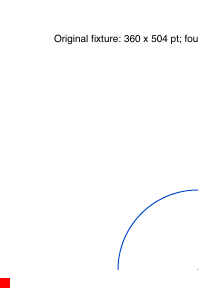
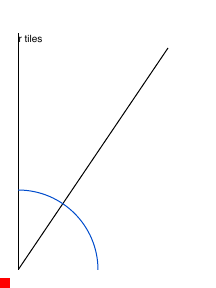
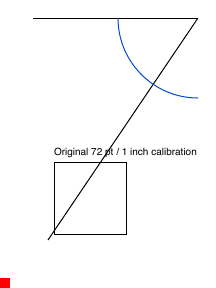
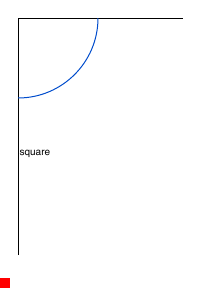
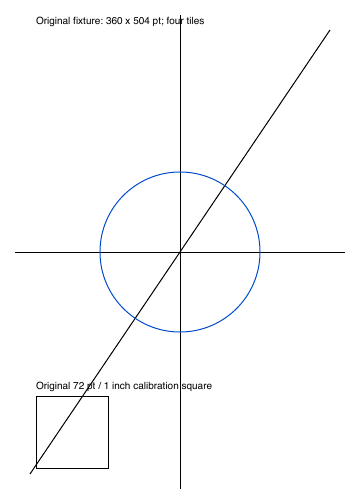
This is Bloom’s original calibration drawing, not a garment. The example pages are small test sheets so you can see the joins without using anyone’s sewing pattern.
Three taps
- Choose the PDF from your phone. Use the file your pattern designer sent.
- Look at the lines. We already put the pages on one sheet.
- If they meet, get the sheet and the copy-shop panels. Free for 12 pages or fewer, $5 above that. If they don't meet, tap the other button and we try again. Printing is separate.
If your designer already included a layered copy-shop or projector PDF, use that file. You do not need this tool.
Guides
You can also use a free tool
| Tool | What it is | Cost |
|---|---|---|
| PDFStitcher | Desktop app with grid, trim, rotation, and layer controls. | Free, install on your computer |
| Pattern Projector | Browser app for projection, stitching, and PDF export. | Free, in the browser |
| Bloom Pattern Stitch | Supported-file check and inspectable proof, then a download. | Free preview; free up to 12 pages, then $5 USD |
Have a tiled PDF ready?
Preview compatibility free. Free for 12 pages or fewer; $5 USD above that.
