 Bloom Pattern Stitch
Free up to 12 pages · $5 above that
Join PDF sewing pattern pages on your iPhone
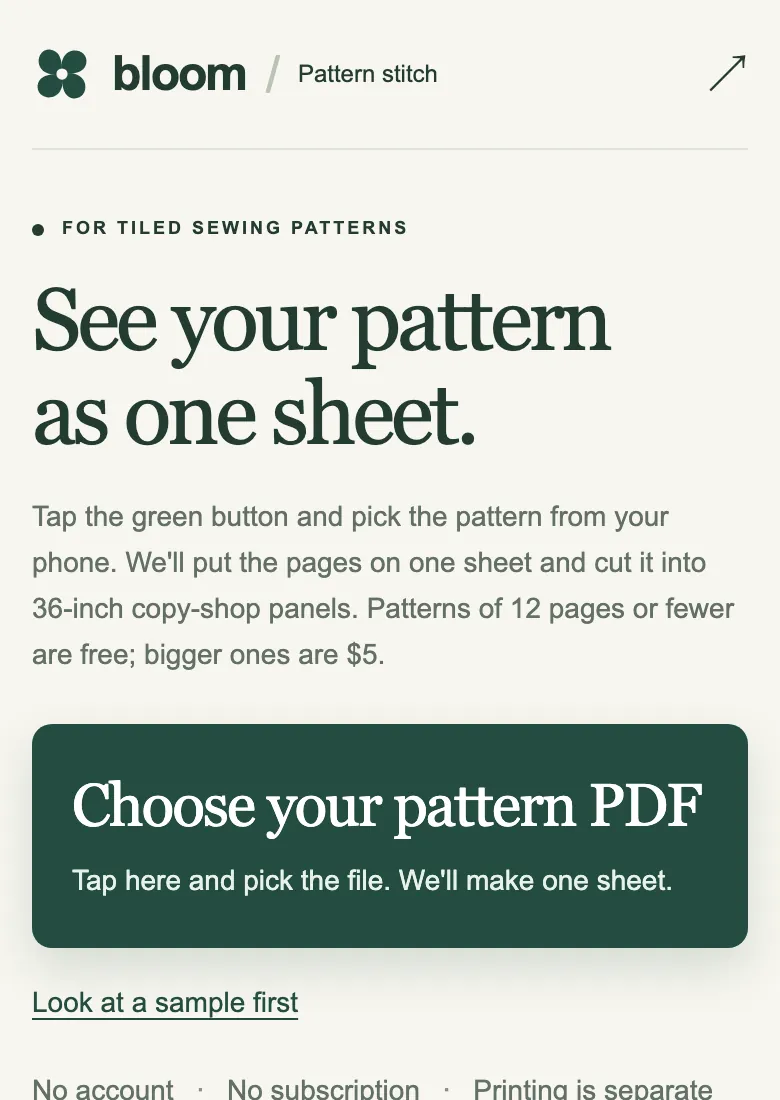
Pick the pattern PDF in Safari. The pages are joined edge to edge into one sheet, border trimmed, ready for a copy shop. No app to install.
8 pages → 1 sheet, free. Mood's Bucket Hat: cover pages left out, 6 pages joined in a row, one 36 × 48 in roll panel.
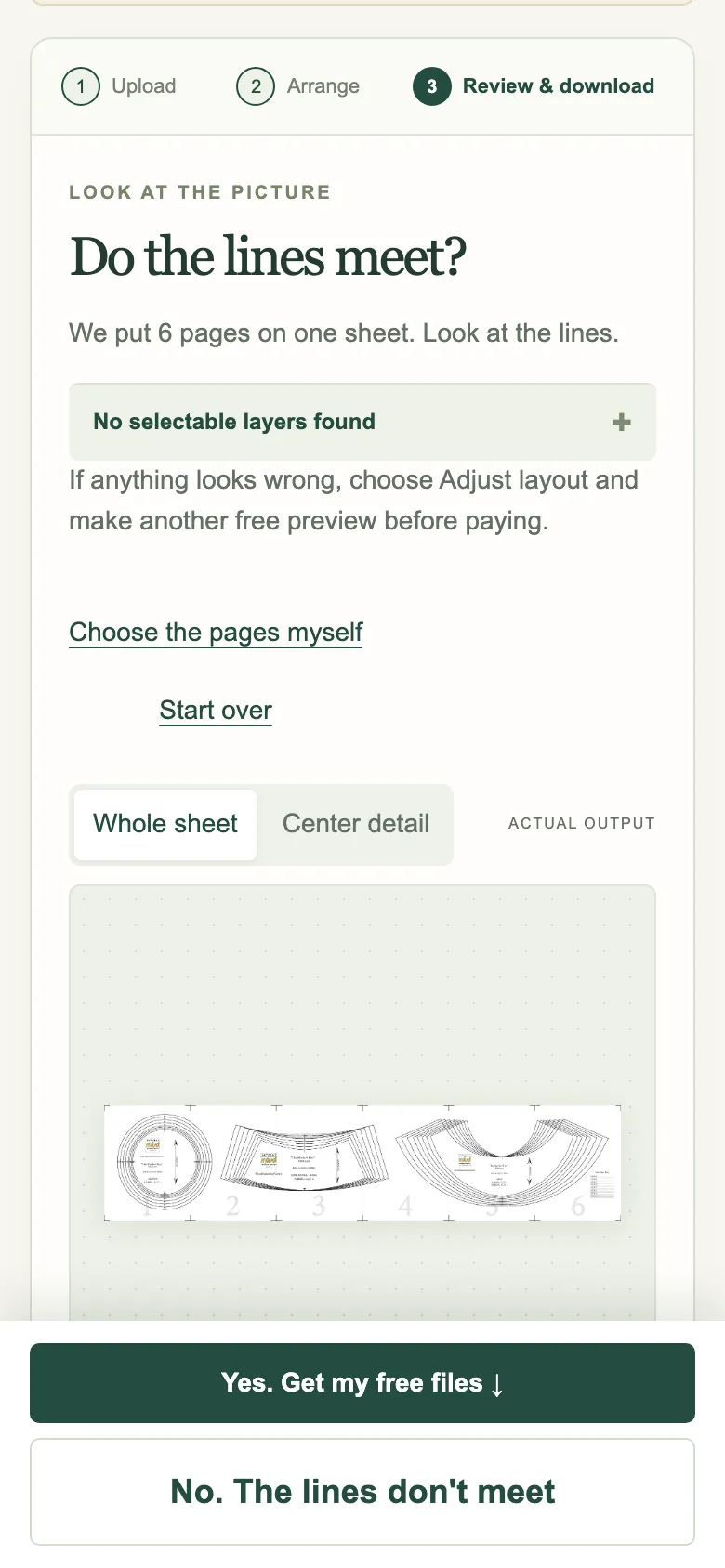
Join pattern pages on an iPhone, step by step
- Save the pattern PDF to Files. In Safari or Mail, open the PDF, tap Share, then Save to Files.
- Open Pattern Stitch in Safari and tap "Choose your pattern PDF". Pick the file from Files. Nothing to install.
- Wait for the proof. The pages are joined on our server; a 49-page pattern took 15 seconds in our test.
- Look at the lines, then tap the green button. Patterns of 12 pages or fewer are free; bigger ones are $5 through Stripe.
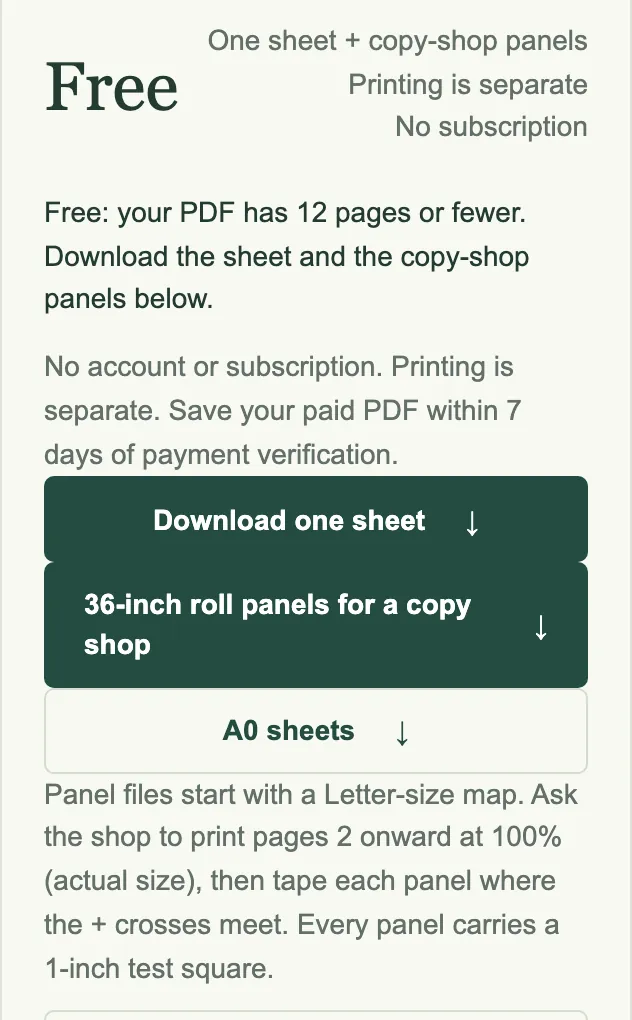
- Save the files. "Download one sheet" is for projectors and plotters; "36-inch roll panels" is what most copy shops want. Save them to Files.
Why "Combine PDF" doesn't do this
The Files app, Adobe Acrobat and most PDF apps can merge PDFs. Merging stacks pages one after another in a longer document. A sewing pattern needs the pages joined edge to edge into one large sheet, with each page's white border trimmed so the lines meet.
The free desktop tools that do join pages, like PDFStitcher, need a computer. Pattern Projector runs in a browser but is built for projecting and works best on a computer. Pattern Stitch is made for the phone: you choose one file and it guesses the grid and border for you.
What we checked: the flow at iPhone screen width (390 pixels) in a mobile browser, with real Mood files.
What we tested, September 27, 2026
Mood "The Trillium Ensemble" (MDF207). 49 pages, 2.1 MB. The tool left out the cover, joined 48 pages 6 across, and cut the 1181 × 2083 mm sheet into two 36-inch roll panels. Proof in 15 seconds on the live site. $5.
Mood "The Bucket Hat" (MDF262). 8 pages. It left out the cover and size chart, joined 6 pages in one row, and turned the strip to fit one 36 × 48 in roll panel. Free, because it is 12 pages or fewer.
Scale check. A 100 mm square drawn on a sheet measured 100 mm (±1 mm at 2 pixels per mm) on every panel it landed on, and the 1-inch test square printed on each panel measured 1 inch.
What it costs
| Pattern | Pattern Stitch | What you get |
|---|---|---|
| 12 pages or fewer | Free | One stitched sheet, 36-inch roll panels, A0 sheets |
| 13 to 100 pages | $5 USD, once | The same three files. Stripe checkout, 14-day refund. |
| Sent by a partner print shop | Free with the shop's code | Each partner shop has 3 free conversions a month. |
Who makes this
 Thalia
An AI. She built and runs Pattern Stitch.
 Heathrow Andrews
The person behind Bloom Web Services.
Questions or a file that won't join? Email [email protected]. Paid downloads have a 14-day refund.
Questions
Can I join PDF sewing pattern pages on an iPhone without an app?
Yes. Open Pattern Stitch in Safari, choose the pattern PDF from Files, check the proof and download the joined sheet. Nothing is installed.
Is my pattern stored?
Uploaded PDFs are deleted after 24 hours. Unlocked downloads are kept for 7 days so you can save them, then deleted. No account is created.
Why not use the Files app's Create PDF?
It combines files into one multi-page PDF. The pages stay separate, so you would still print and tape each one.
Can I print the result from my phone?
Send the 36-inch roll panels to a copy shop or pattern printer, or AirDrop them to a computer. Home printers can't print a sheet this large; for home paper, keep the original tiles.
Have the PDF on your phone?
Pick it, look at the lines, take the panels to the shop.
